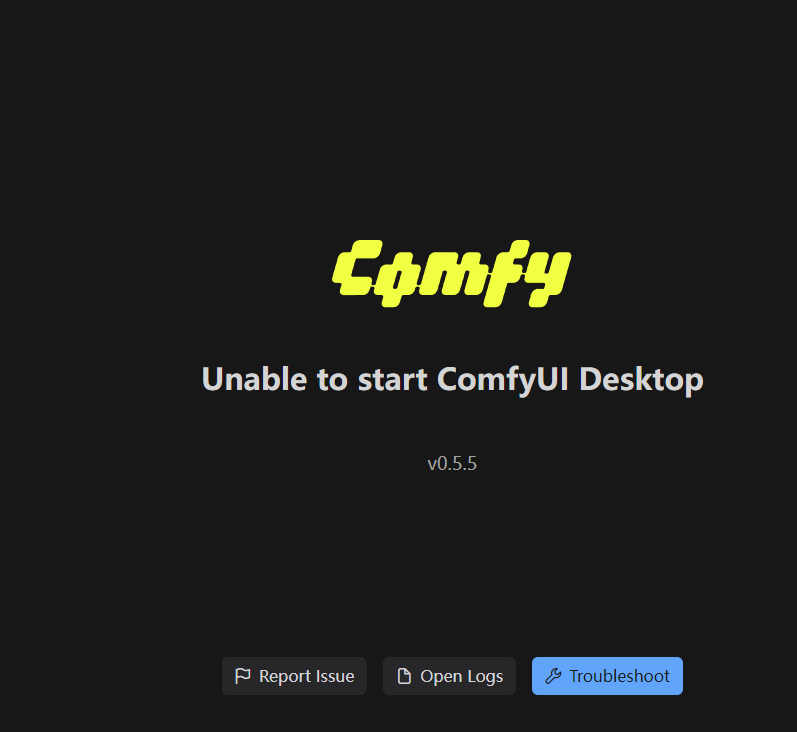
I downloaded Comfy to my Windows 10 PC. It gave me the following error: " Unable to start ComfyUI Desktop v0.4.54" Another window popped up saying Python exited with code 1 and signal null. How do I solve this so that I can use Comfy?

Same thing
I noticed there was a response in another post like mine where it said it doesn’t work for AMD GPUs, but I am using a Nvidia RTX 4060.
Dependencies installed. ComfUI itself is not installed. Trying to re-install it and there’s
Error invoking remote method ‘reinstall’: Error: ENOENT: no such file or directory, lstat ‘C:\Users\Ivan\AppData\Roaming\ComfyUI\extra_models_config.yaml’
The thing is I had a previous installation that I had to interrupt at some point. And after that it just doesn’t want to install.
Maybe try the standalone version?
The windows portable…
And it worked! Thank you so much!

Not sure if the v3.10 is the problem, but according to the git page:
python 3.13 is supported but using 3.12 is recommended because some custom nodes and their dependencies might not support it yet.
If you run “pip install -r requirements.txt” be sure you are in the correct directory first. Check in your windows navigator where the requirements.txt is, in my case ../ComfyUI/ComfyUI/
ps. I think it better to not run it in the Downloads dir, could give so restrictions problems sometimes.
Thanks for pointing me in the right direction!! I went to chatgpt with the log. That interpreted the errors that I was having a problem with it didn’t see any cuda for pytorch. That brought me to the nvidia site to install them. Then I needed to run nvidia_gpu.bat which brought up the website. Then I reinstalled the local comfyui and it started!
Awesome, have fun generation cool images @Shark761 and @IvanGlobin 
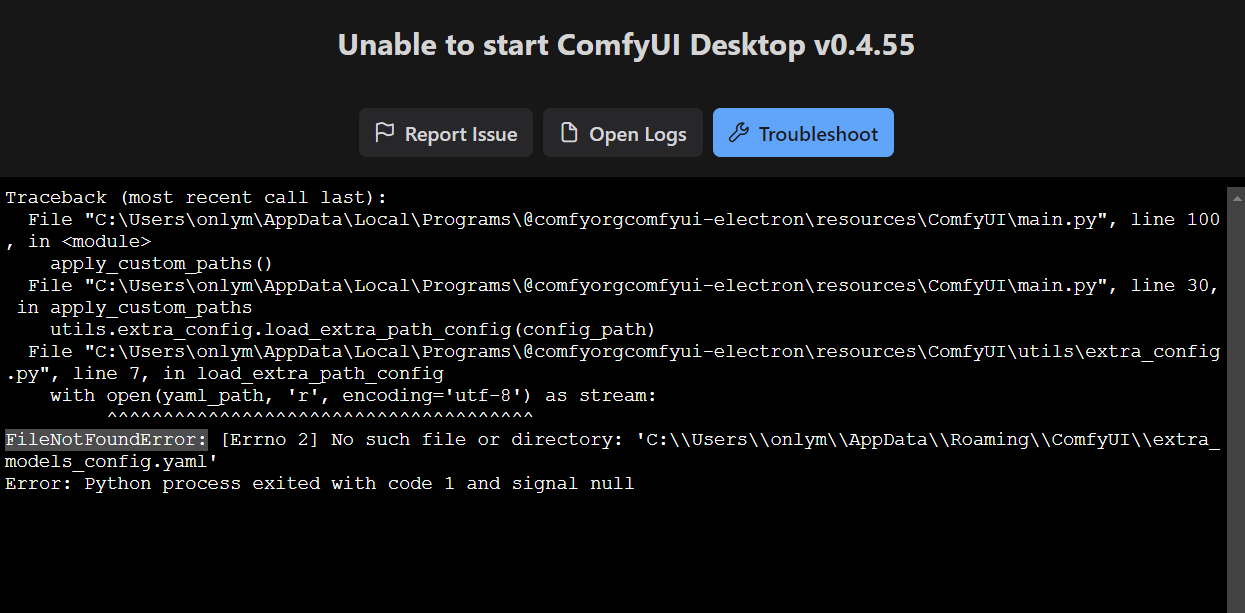
Trying to reproduce the issue on our end.
Reproduced and have a fix on the way. In the meantime, can you delete this file? It will let you do a fresh install.
C:\Users\onlym\AppData\Roaming\ComfyUI\config.json

So I uninstalled from windows, and deleted the following folders:
C:\Users\Admin\AppData\Roaming\ComfyUI
C:\Users\Admin\AppData\Local\Programs@comfyorgcomfyui-electron
C:\Users\Admin\Documents\ComfyUI
This worked for me.
same please
same please
but my comfyui is v0.5.5
my pc is windows 11
Continuing the discussion from Unable to start ComfyUI Desktop v0.4.54:I’d like to ask if you’ve resolved it? I added a new workflow today. After updating the new node, it started throwing errors when I accessed it again.